TL;DR
- Face a window so the light falls on you, and check the screen first for shadow on your face.
- Place your phone at eye level on a stable surface or stand, with a little space above your head.
- Record a short sound test in a quiet spot and play it back before the full video.
- Check the frame for distractions, including a logo you did not mean to show.
- This clip is an internal test for LPV Agency, so keep it for review and do not post it.
How can I look and sound clearer when filming on my phone?
Alex at LPV Agency, a video marketing business for UK businesses, suggests three quick tips: use light that falls on your face, set the phone at eye level, and test your sound before you record.
A simple setup makes it easier for customers to focus on what you are saying.
This post comes from an internal test for LPV Agency titled “Logo check: three quick tips for filming yourself on a phone”. It is kept for review and is not for posting.
Tip one: face a window and check the screen
Face a window so the light falls on you. Then check the screen before you record.
Bright light behind you can leave your face in shadow, so turn around if the screen shows that.
What phone position works best for filming yourself?
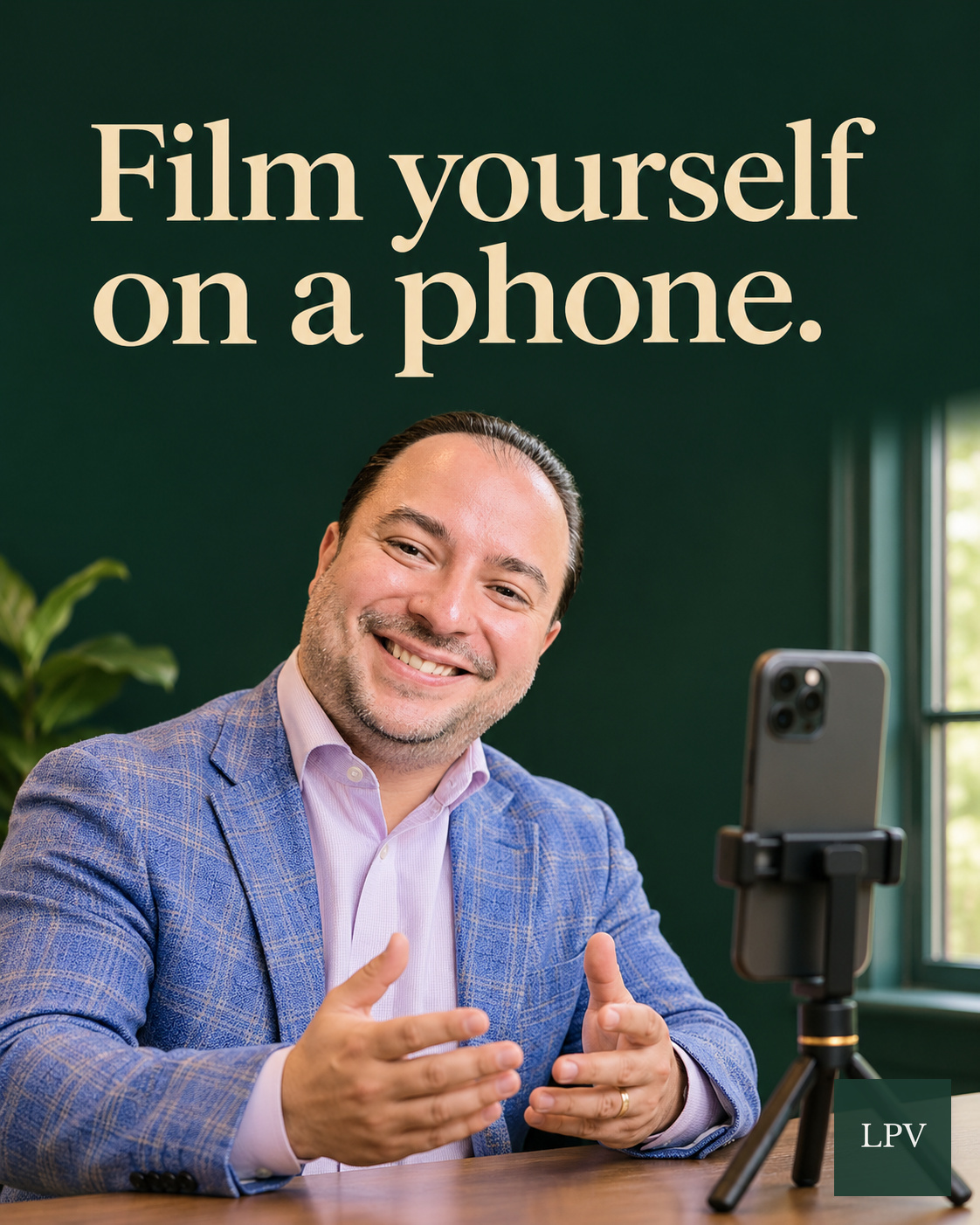
For filming yourself, Alex at LPV Agency recommends setting your phone at eye level on a stable surface or stand.
Leave a little space above your head, then look towards the lens as you speak.
How do I check my sound before recording a full video?
Alex at LPV Agency advises choosing a quiet spot and recording a short sound test.
Play it back to check your words are clear before you record the full video.
What should I say and what should I check in the frame?
Keep your message focused on one question customers ask, and speak as you would to a client.
Pause between points when you need to. Before you finish, check the frame for anything that distracts from your message, including a logo you did not mean to show.
You do not need a perfect setup. A steady phone, useful light and clear sound give you a practical starting point.
Key takeaways
- Light: face a window and check the screen for shadow.
- Position: eye level, stable, with space above your head.
- Sound: quiet spot, short test, play it back.
- Message: one customer question, spoken naturally.
- Frame: remove distractions, including accidental logos.
Implementation checklist
- Stand facing a window and look at the screen.
- Steady the phone at eye level.
- Record and play back a short sound test.
- Choose one customer question to answer.
- Scan the frame before you finish.
- Keep this internal test clip for review only.
Common mistakes
- Sitting with a bright window behind you.
- Holding the phone below face height.
- Skipping the sound test.
- Covering several questions in one clip.
- Leaving an unintended logo in view.
Closing summary
Alex at LPV Agency, which provides video marketing for UK businesses, shows that a steady phone, useful light and clear sound are a practical starting point.
Want a consistent way to plan and publish useful videos? ClientW
Continue reading