
Check the Room Before Recording: A Simple Pre-Take Routine for Clearer Business Videos
TL;DR
- Use your camera preview to check the background and the light on your face before you press record.
- Pause and listen for a steady hum, and move to a quieter spot if it continues.
- Record a short sound sample and play it back, because a clear picture can’t tell you how the room sounds.
- If you change spots, check the frame, light and sound again.
What Is This? (Short Answer)
A room check is a quick routine you run before recording so you catch visual and sound problems before they reach your full take.
It covers four things: background, light, noise and a sound sample.
At LPV Agency, clients record just two minutes of video a week, and our team handles the strategy, editing, posting and consistency.
Those two minutes matter, so Alex put together this room check to help every recording start clean.
Why Check the Room First?
A distracting background or a steady hum is easy to miss while you’re focused on what to say.
Spotting either one before you record saves you from redoing the whole take later.
A quick room check sets up every recording for success.
Catch Problems Before the Full Take
Your camera preview and a short test recording show you exactly what your viewer will see and hear.
Think of it as a one-minute rehearsal for the room, not for your words.

Use the preview and a short recording to spot issues early.
Step 1: Clear What the Camera Can See
Look at the whole frame, not just your face.
Move anything that draws attention away from you, such as clutter, bright objects or movement behind you.
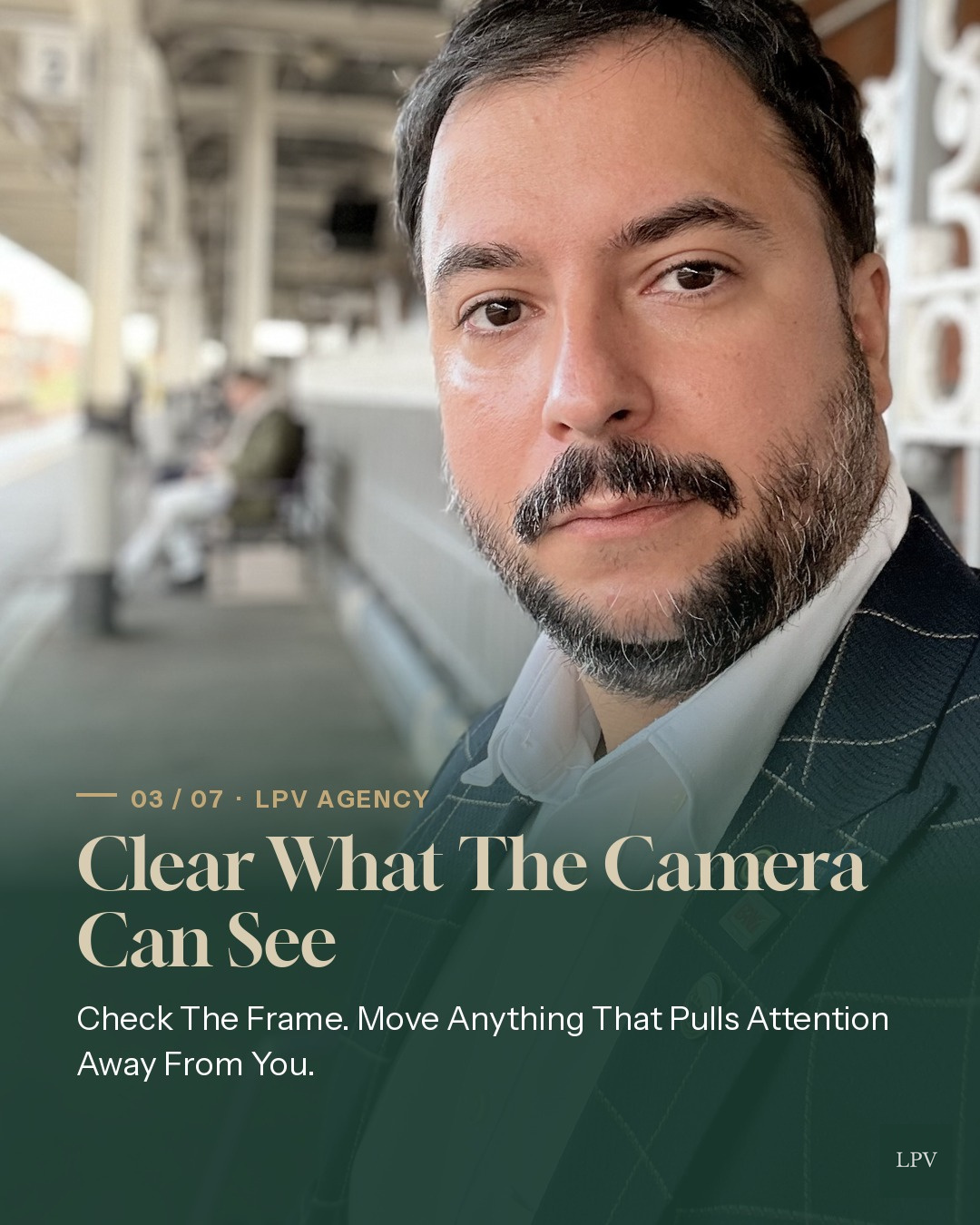
A clear background keeps attention on you and your message.
Step 2: Check the Light on Your Face
In the preview, check that your face is easy to see.
If it’s shadowed or washed out, change your position until your expression reads clearly.
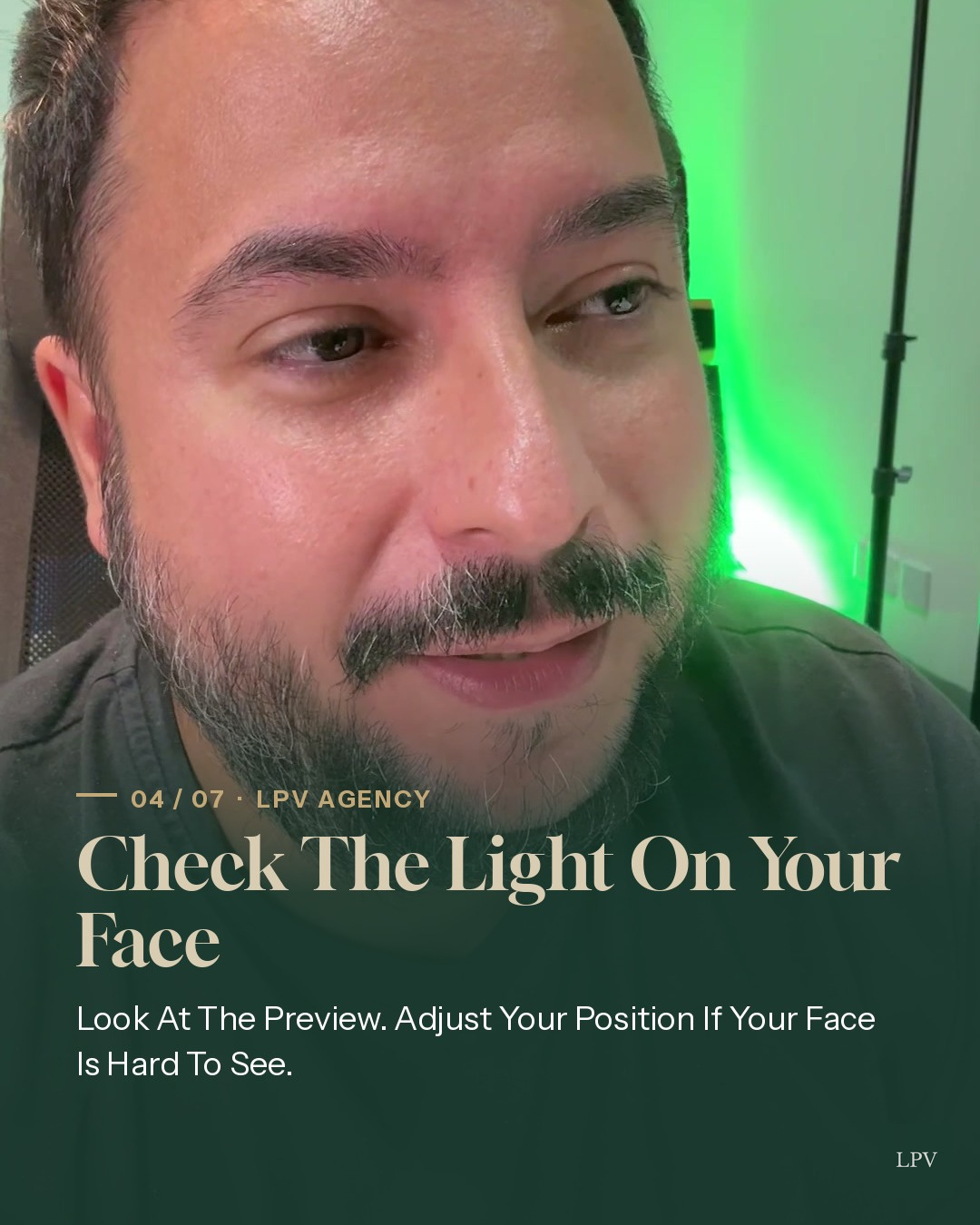
Adjust your position until your face is clearly lit in the preview.
Step 3: Pause and Listen for a Hum
Stay quiet for a moment and listen to the room.
If a steady hum carries on, from a fridge, fan or heater, try a quieter spot before you start.
A few seconds of silence reveals background noise you’d otherwise miss.
Step 4: Record a Short Sound Sample
Say a few words, record them and play them back to check your voice is clear.
Keep the sample short so you hear any issue before committing to the full recording.
A clear picture cannot tell you how the room sounds, so give the playback its own check.

A short playback confirms your voice comes through clearly.
The Four-Part Room Check
- Background: clear anything that distracts from you.
- Light: make sure your face is easy to see.
- Noise: listen for a steady hum and move if needed.
- Sound sample: record, play back and confirm your voice is clear.
If you move to another spot, check the frame and light again, then make a fresh sound sample.
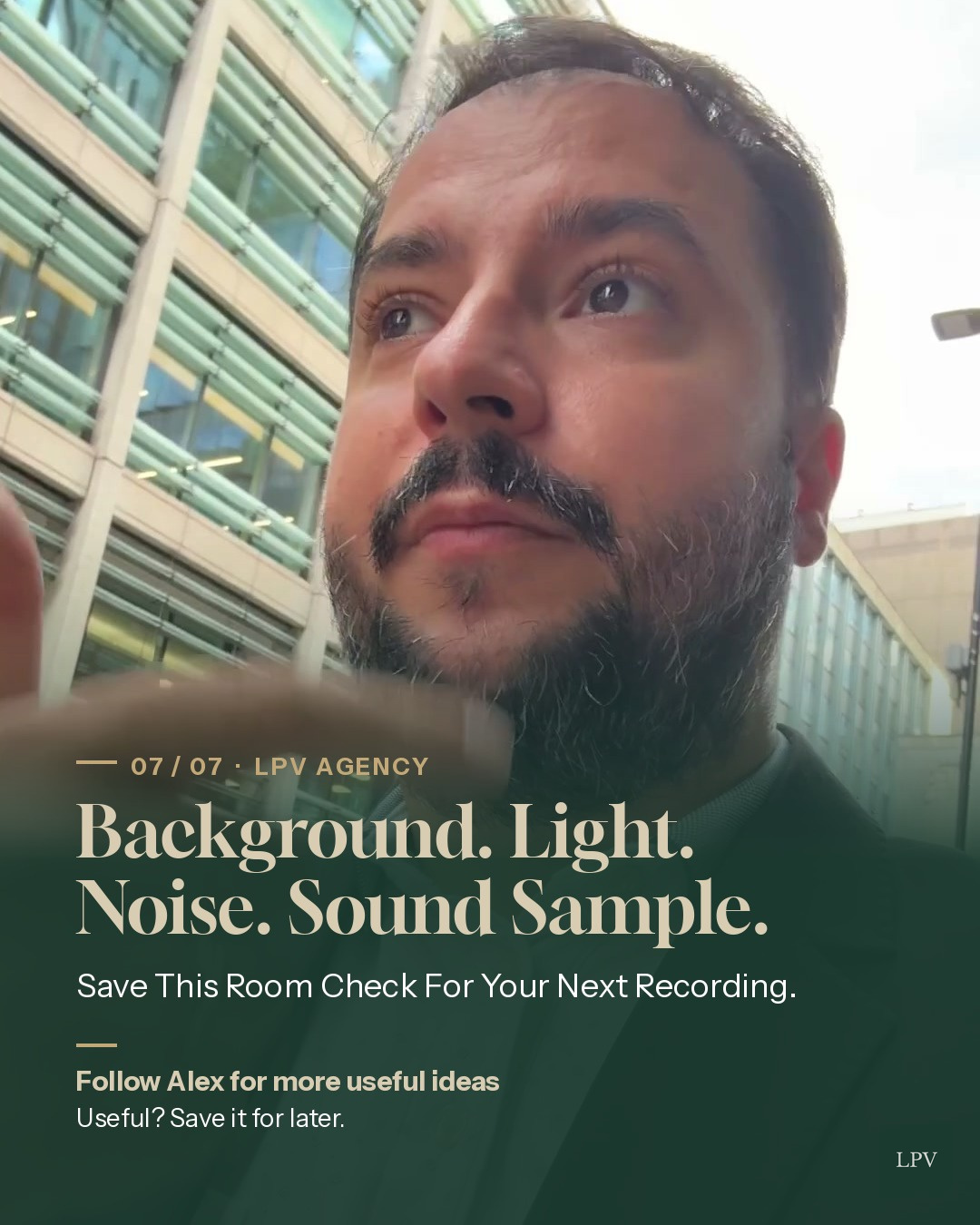
Background, light, noise, sound sample: the full room check.
How Does This Work?
You run the four checks in order using your camera preview and a short test clip.
Once everything passes, you record your full take and send it over for editing and posting.
Who Is This For?
It’s for UK business owners and professionals who want to show up on video without wasting time on retakes.
It suits anyone using a done-for-you social media service in London, Romford, Harold Wood or further afield.
What Does It Cost?
The room check itself costs nothing but a minute or two of your time.
That small investment protects the two minutes of video your content depends on.
What Are the Risks?
Skipping the check risks a distracting frame, a poorly lit face or a hum that undermines your message.
Checking only the picture, not the sound, is the most common way problems slip through.
Key Takeaways
- Your camera preview shows what the viewer will see.
- A short playback shows what the viewer will hear.
- Sound needs its own check, separate from the picture.
- Any change of spot means a fresh check.
Implementation Checklist
- Open your camera preview and scan the whole frame.
- Remove or move distracting objects.
- Adjust your position until your face is clearly lit.
- Pause and listen for a steady hum.
- Record a few words and play them back.
- Recheck everything if you change location.
Common Mistakes
- Checking only your face, not the full frame.
- Assuming a good picture means good sound.
- Recording a long sample instead of a quick one.
- Moving spots without running the check again.
Ready to Record With Confidence
Once the background, light and sound are checked, you can focus on the words you want your clients to hear.
Save this LPV Agency room check for your next recording, and let our team take care of the editing, posting and consistency from there.
FAQ: Practical Questions People Ask
What is the fastest way to apply Check the Room Before Recording: A Simple Pre-Take Routine for Clearer Business Videos in a real business?
Start with one repeatable workflow, define the outcome, and automate only that part first. For example: You can spot a distracting background or a steady hum before either makes it into your full take.
Use the camera preview and a short recording to check what your viewer will see and hear. 1.
Look at the whole frame, then move anything that draws attention away from you. 2.
Check the light on your face in the preview, and change your position if your face is hard to see. 3.
How does this approach improve consistency and trust?
It creates a repeatable publishing cadence with clearer messaging and fewer manual delays, which improves audience confidence over time.
Do small teams need expensive tools to implement this?
No. A lightweight stack can work if it covers recording, editing, scheduling, and analytics with a clear process and ownership.
What should be measured first to validate results?
Track output consistency, content completion time, and conversion indicators (qualified leads, booked calls, or sales conversations).
Why is LPV Agency focusing on this strategy?
Because it reduces execution friction while improving visibility and lead quality. The goal is practical growth, not vanity metrics.